COS Explorer access troubleshooting
When logging in to COS Explorer, there are some common issues that might crop up.
Site cannot be reached
If you log in to COS Explorer and get following error screen, you are blocked by the firewall.
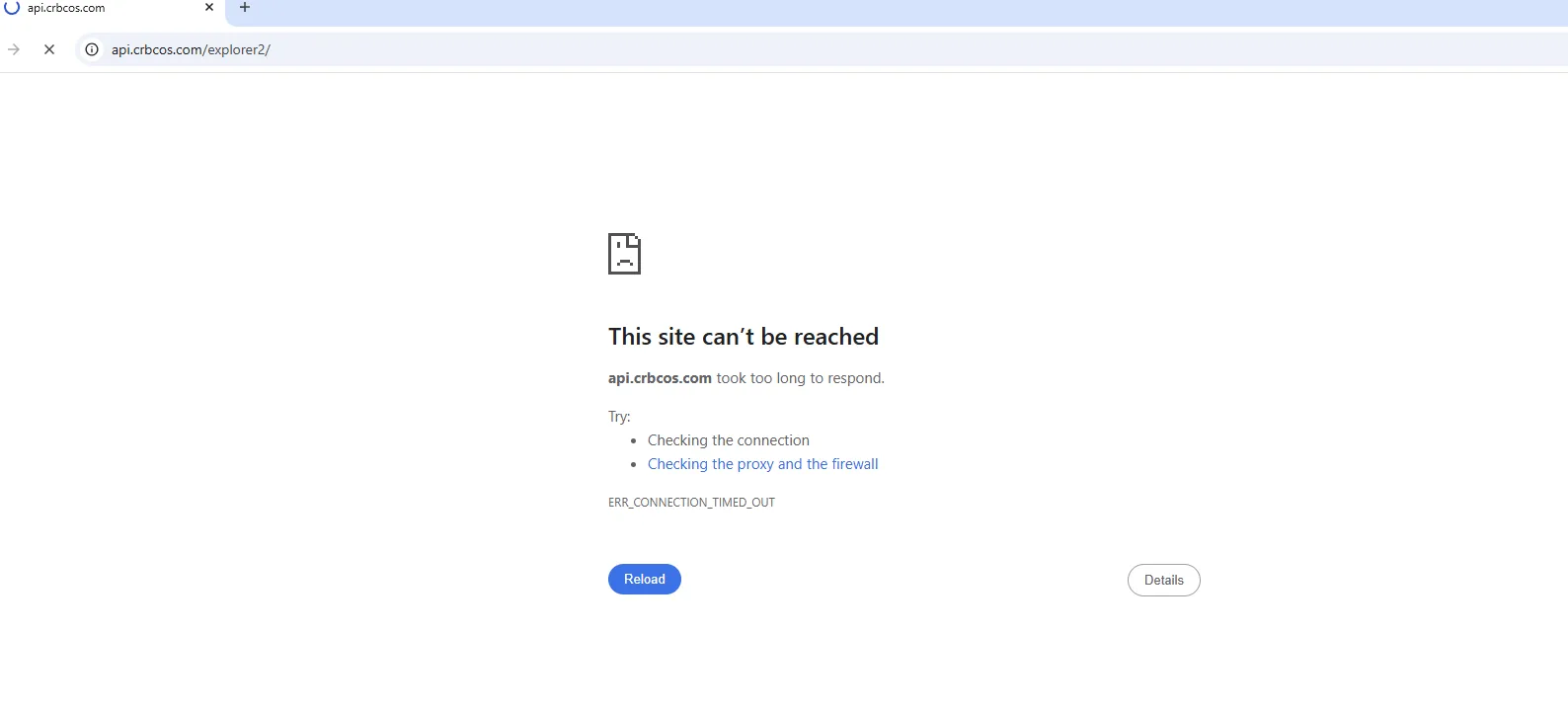
To unblock your access:
- Contact your internal IT department to see if your organization enforces firewall rules for outbound traffic. If they do, ensure that your access to COS Explorer is not blocked. See COS Explorer IP whitelist.
- If there are no firewall rules for outbound traffic, contact your internal IT department to make sure you're connecting to the Cross River COS Explorer Portal from an approved IP address. If you need to register more IP addresses, send an email to COS support.
Multifactor authentication
Forgot password
Account lockout
If you enter the wrong password for your username 5 times, the system locks your account for approximately 5 minutes. If after 5 minutes, you are still unable to access your account, contact COS support.