Scenario variables
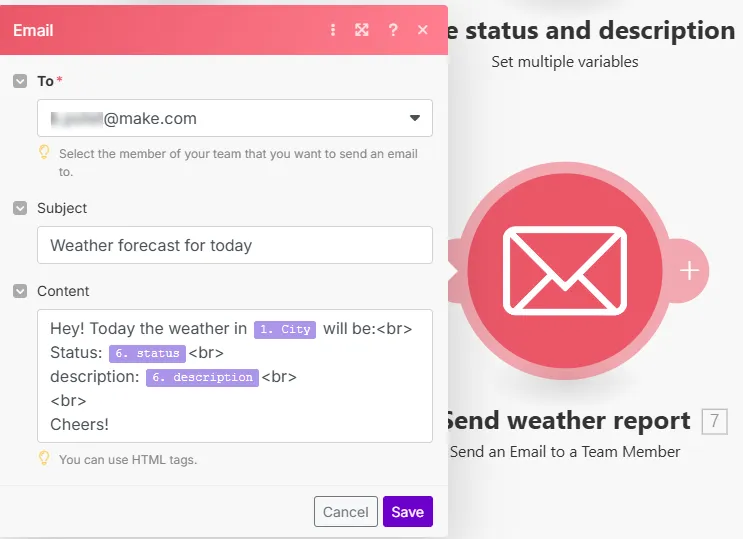
variables are useful when you need to reuse the same information multiple times. They make easier to manage and maintain.
Use variables when you need:
- Temporary data that only exists during one run
- To pass information between modules in the same
- Data that doesn't need to persist after the completes
- Simple counters or flags within a single run
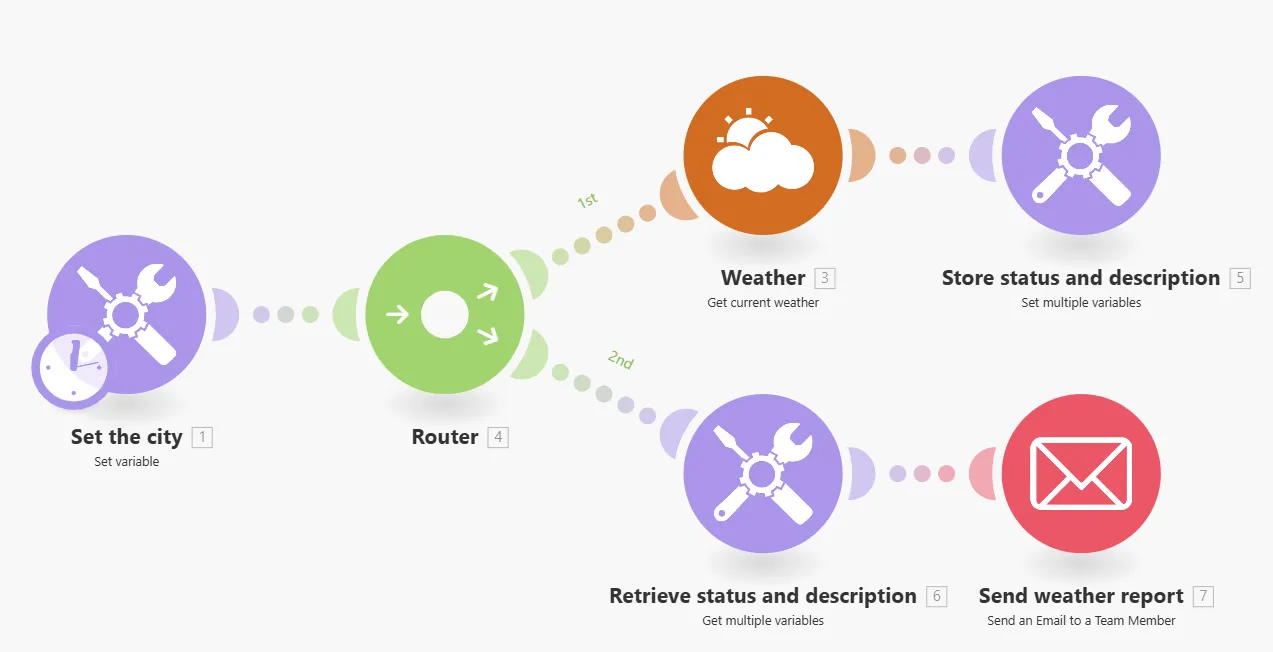
To use variables, use the Set variable or Set variables tools in your .
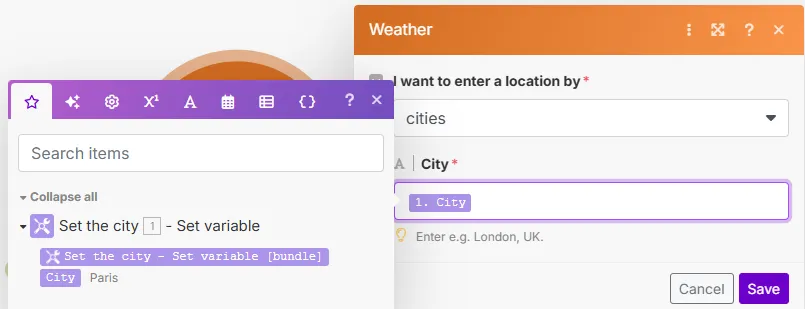
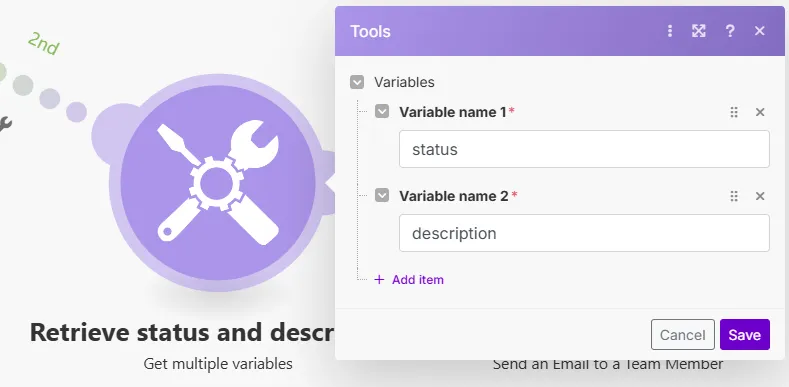
If you need to access the defined variable(s) in a different route than where they were set, use the Get Variable or Get Variables tools.
Create a variable
You can create variables in your .
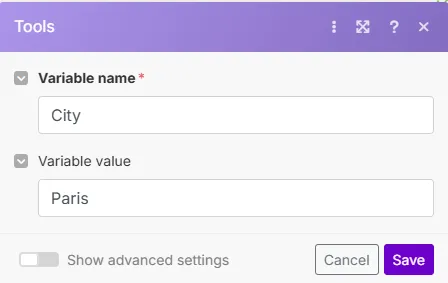
Click the Tool icon on the Scenario Builder toolbar to select the Set variable tool.
You can also click the giant plus in your canvas to select Tools < Set variable.
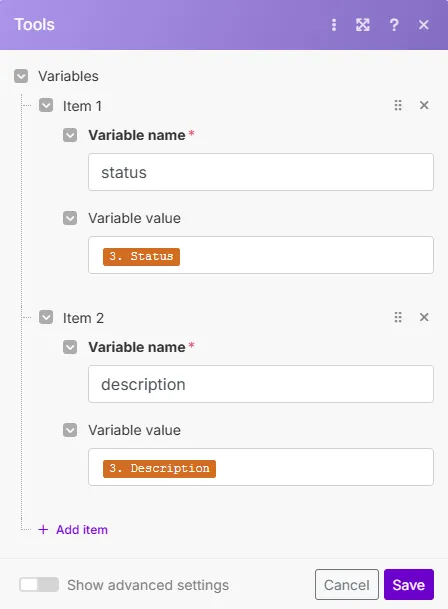
To set multiple variables at once, select the Set variables tool.
Fill in the following information:
Field | Description |
|---|---|
Variable name |
|
Variable value |
|
Variable lifetime | Select the lifetime of your variable:
|
If you are using the Set variables tool, repeat this for each variable.
Click Save to save your variable.