System variables
3 min
System variables are provided by . You can’t modify or delete system variables. They can be used in modules with input fields, filters within the editor, and in templates.
Use system variables when you need:
- Information about the current execution (ID, start time, operations consumed)
- Organization/team details (name, operations left, data left)
- Error handling and debugging information
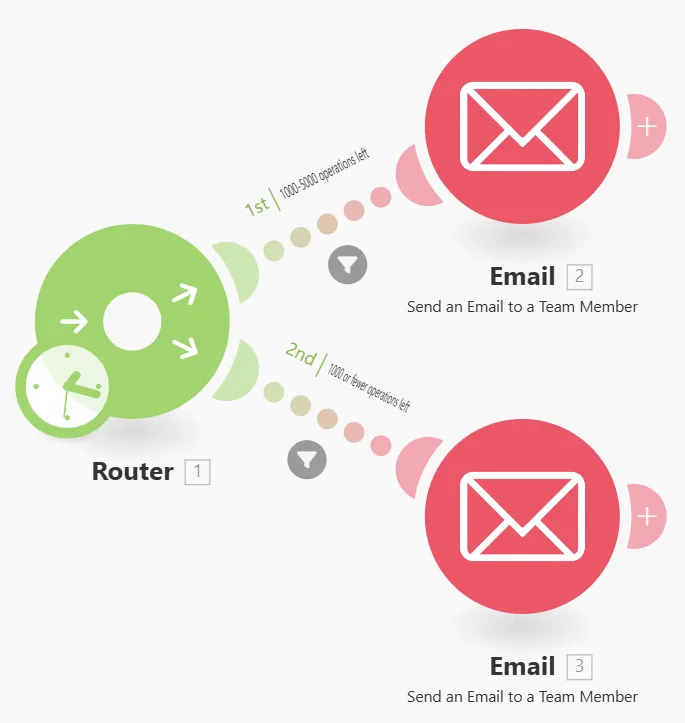
- Automated notifications based on usage limits
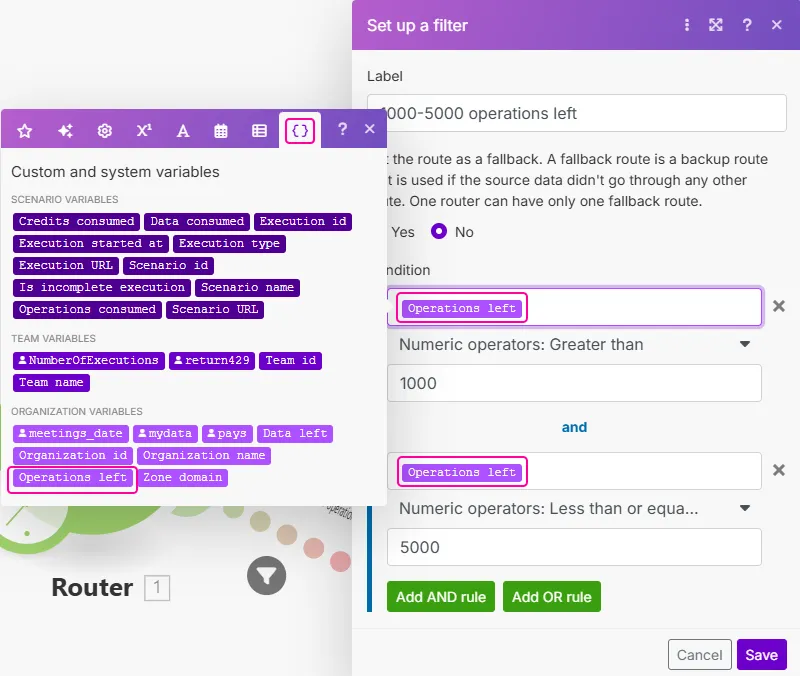
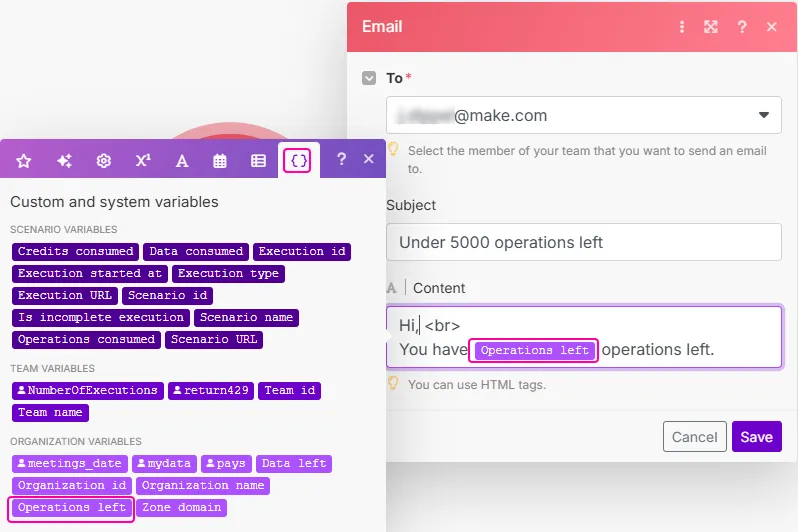
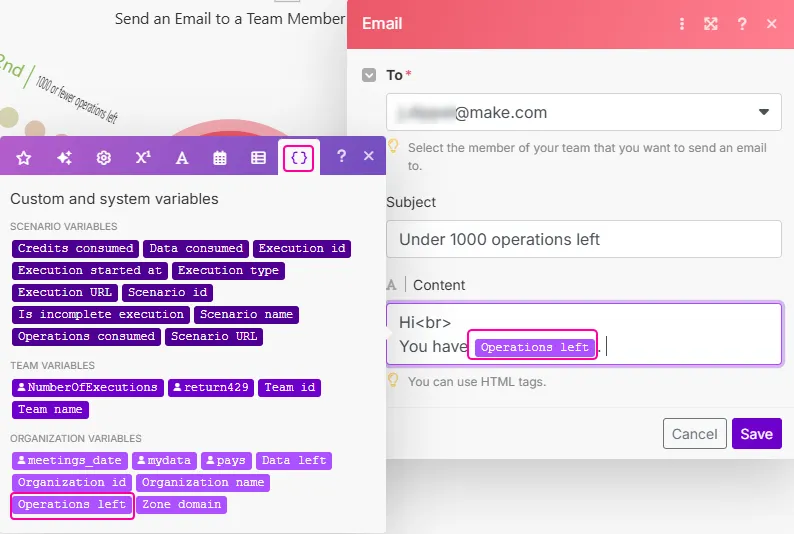
You can access the scenario variables under the Custom and system variables tab when mapping a value in a module.
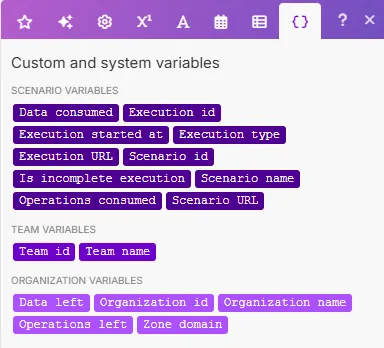
System variables include information about:
- the itself (Scenario ID, Scenario name, Scenario URL)
- the specific execution (Execution ID, Operations consumed, Data consumed, Execution start date/time)
- the team the is in (Team ID, Team name)
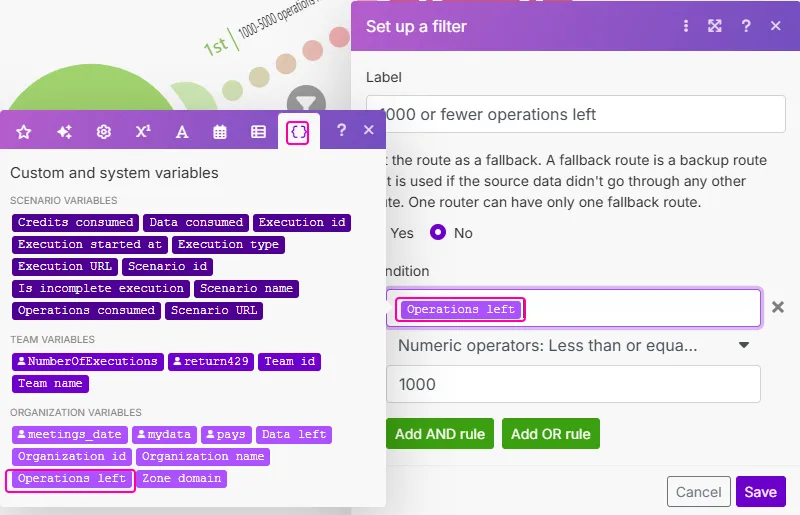
- the organization the is in (Organization ID, Organization name, Operations left, Data left, Zone domain)
System variables are useful for error handling and activity tracking.
For example, if there is an error in your , you can use the ID or organization name variables to pinpoint the exact execution and organization in which the error occurred.
Here are some other situations for which you might use system variables:
- Create a slack message, email, or support ticket that contains a link to the execution that created the message.
- Set email notifications to notify you once the operations left value reaches a certain number.
You can also reuse system variables and map them to any module in the module's input fields.