Access Make Grid
3 min
Make Grid is available through the following three access points:
Access Grid from the Make platform
Log in to your account.
In the left sidebar, click Grid.
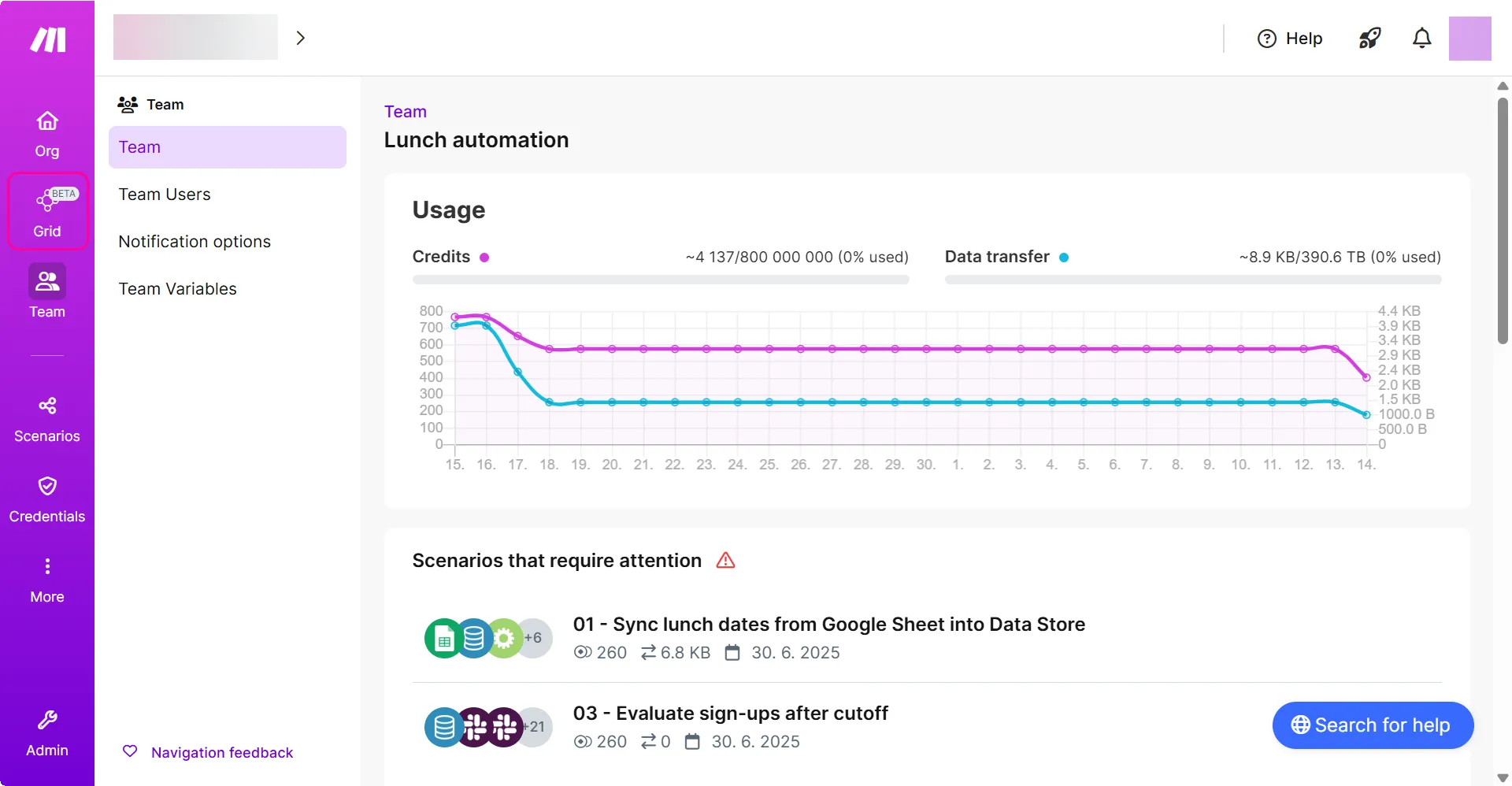
Make Grid opens without focusing on any specific scenario.
Access Grid from the scenario list
In the left sidebar, click More > Scenarios.
In the All scenarios list, click Grid.
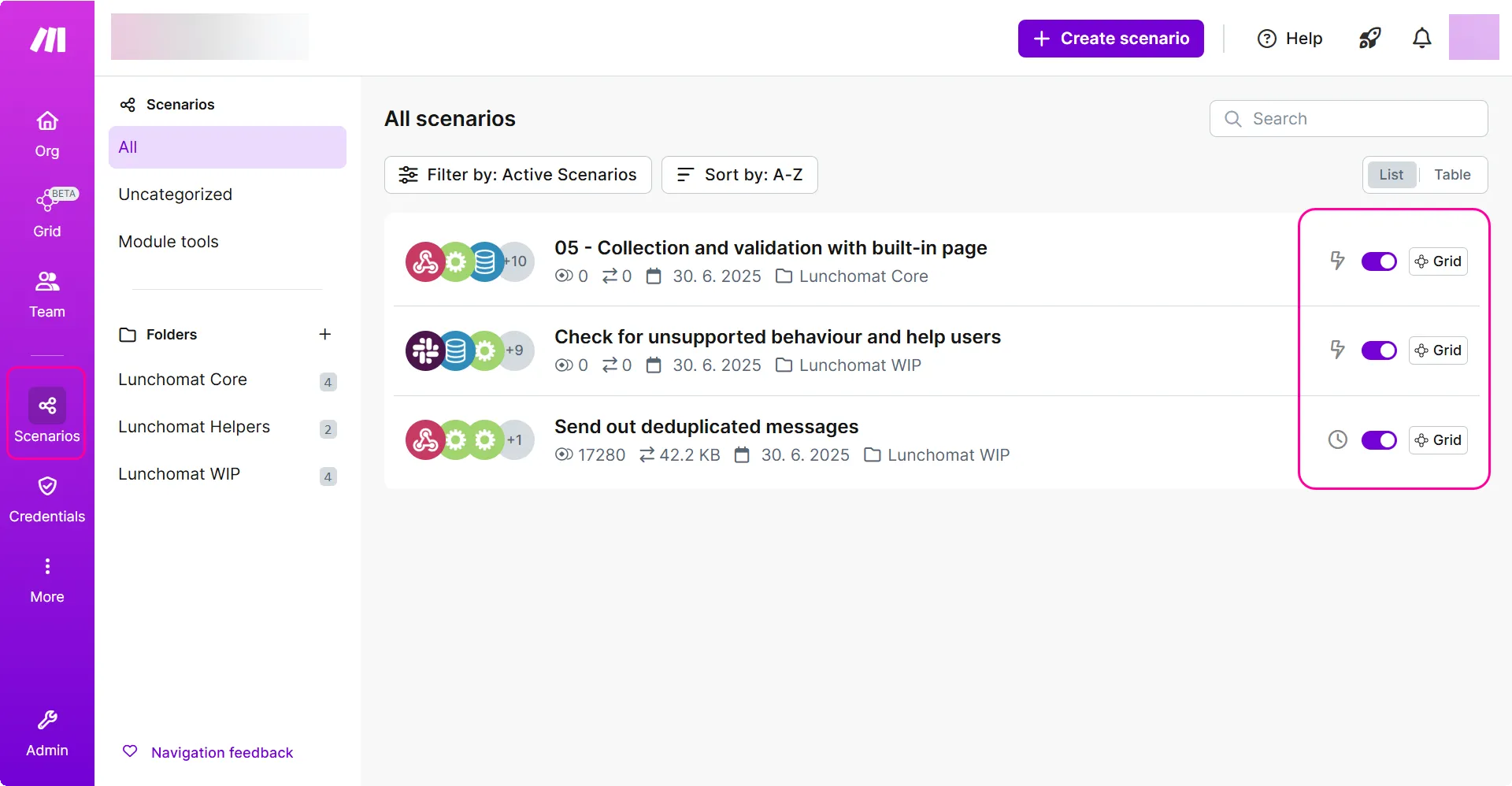
Make Grid opens, focusing on the selected scenario.
Access Grid from the scenario editor
In the All scenarios list, click on any of the scenarios.
In the top right corner, click Open in Grid.
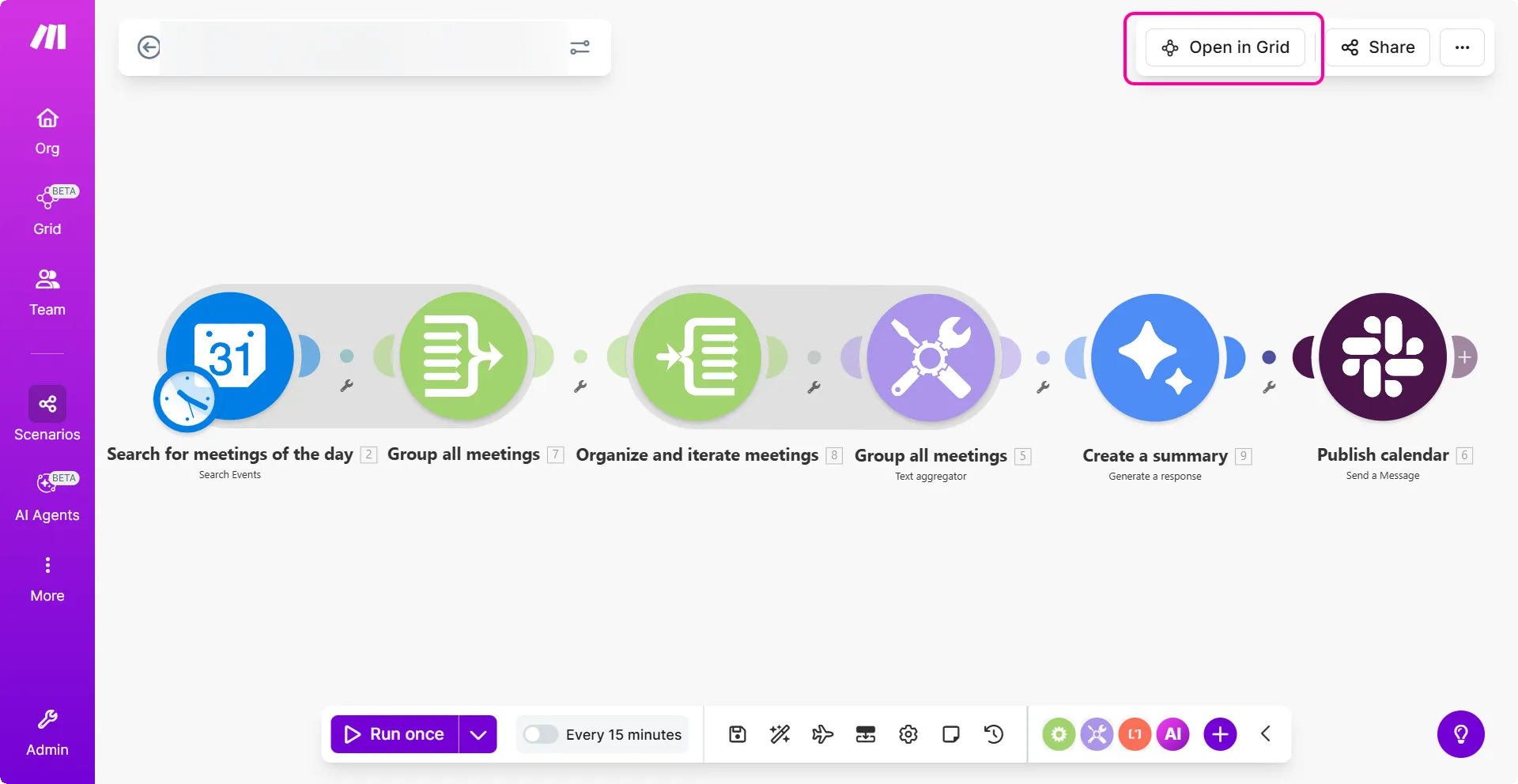
Make Grid opens, focusing on the selected scenario.