
User management settings
You can use User management settings to configure the length of user sessions in your ChartHop organization.
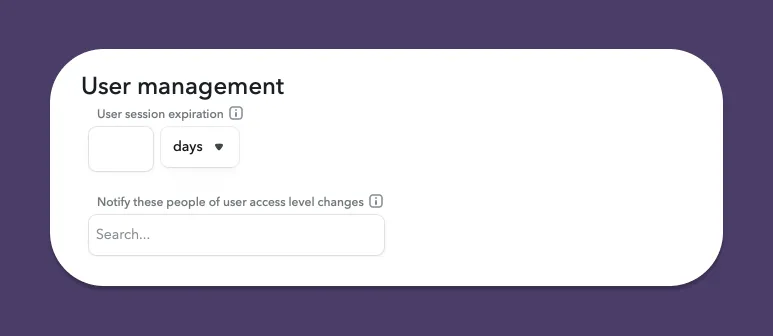
To manage user settings:
- From the left sidebar, select Access.
- From the sub-menu, select Settings.
- In the User management section you can set:
- User session expiration: The length of time that a user's session will last before being automatically logged out.
- Notify these people of user access level changes: The added users will be notified of user access level changes.
- Select Save Settings to confirm your changes.