
AI Scenario Planner
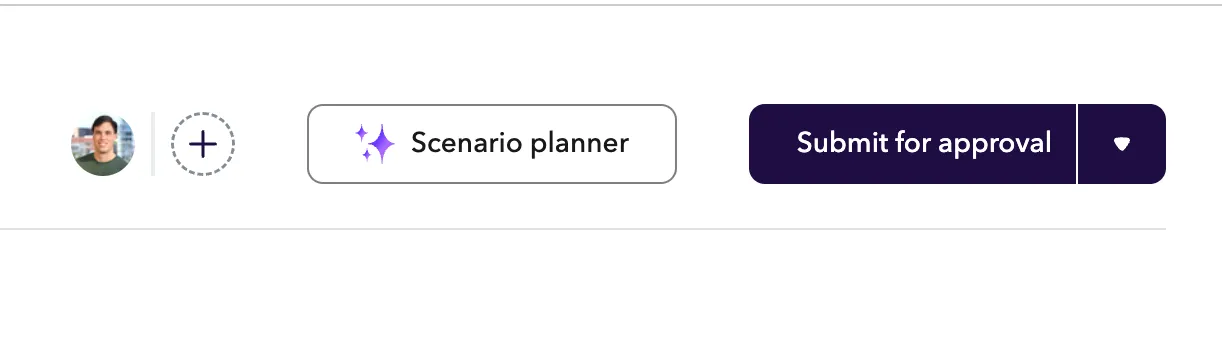
AI Scenario planner
Planning Module customers can user the Scenario planner button to create and analyze scenarios.
How to use the AI Scenario planner
- Create a new Custom Scenario.
- Click the ✨ Scenario planner button to launch the chat window.
- Write a prompt about the scenario that you would like to create.
Example prompts for scenario building
- Add two new L2 engineers one on the front end team and one on the back end team to work on the new AI project.
- Petra Kinney is leaving on 5/22. Can you create a backfill for them and move all of their direct reports to under Ibrahim Andrews.
- Using a typical ratio for Sales manager to AEs to BDRs build out a sales team that can sell $1M in product a quarter.