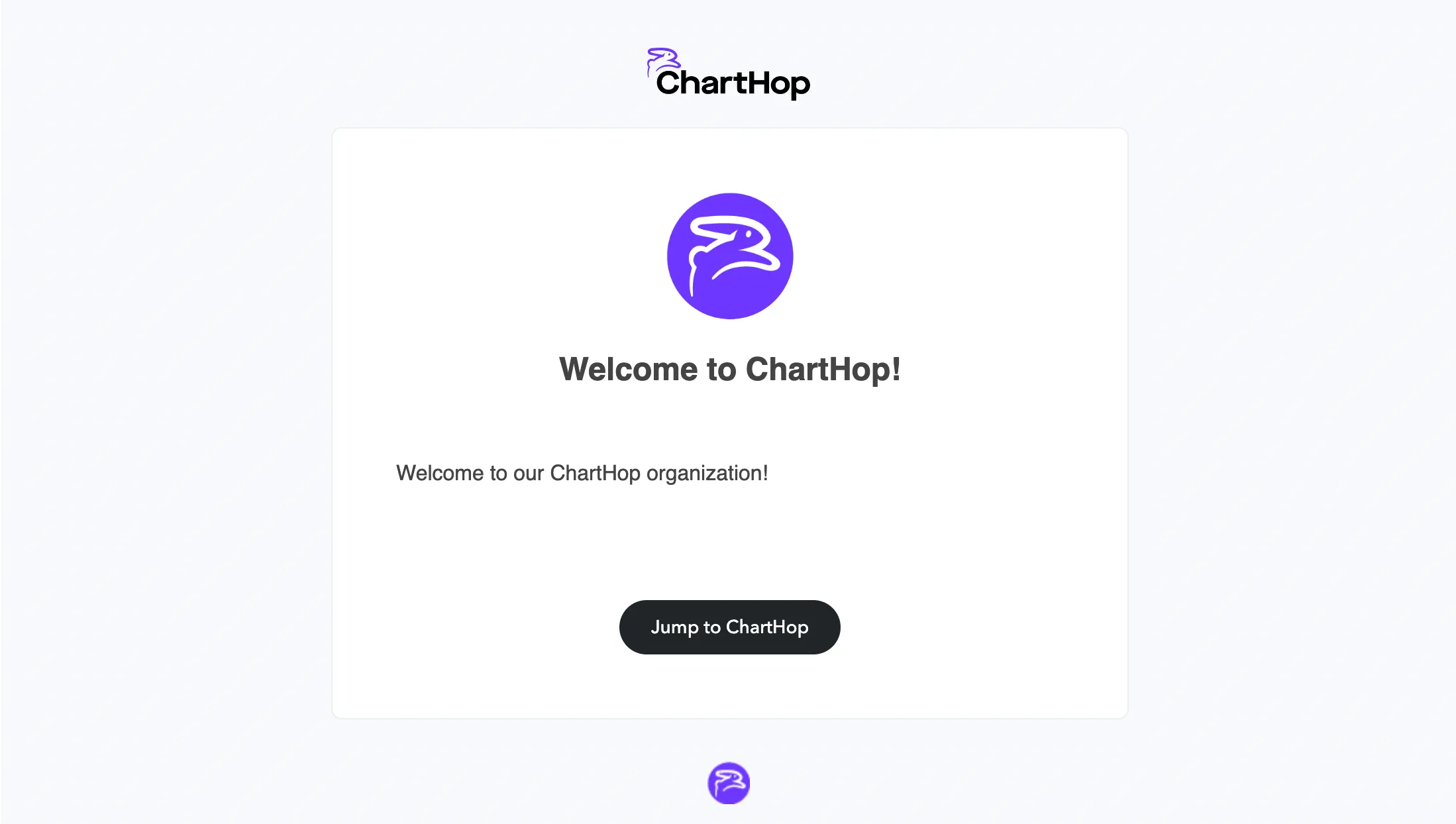
Customizing a welcome email
In the Access Settings page, you can create a custom email template to invite users to your ChartHop organization.
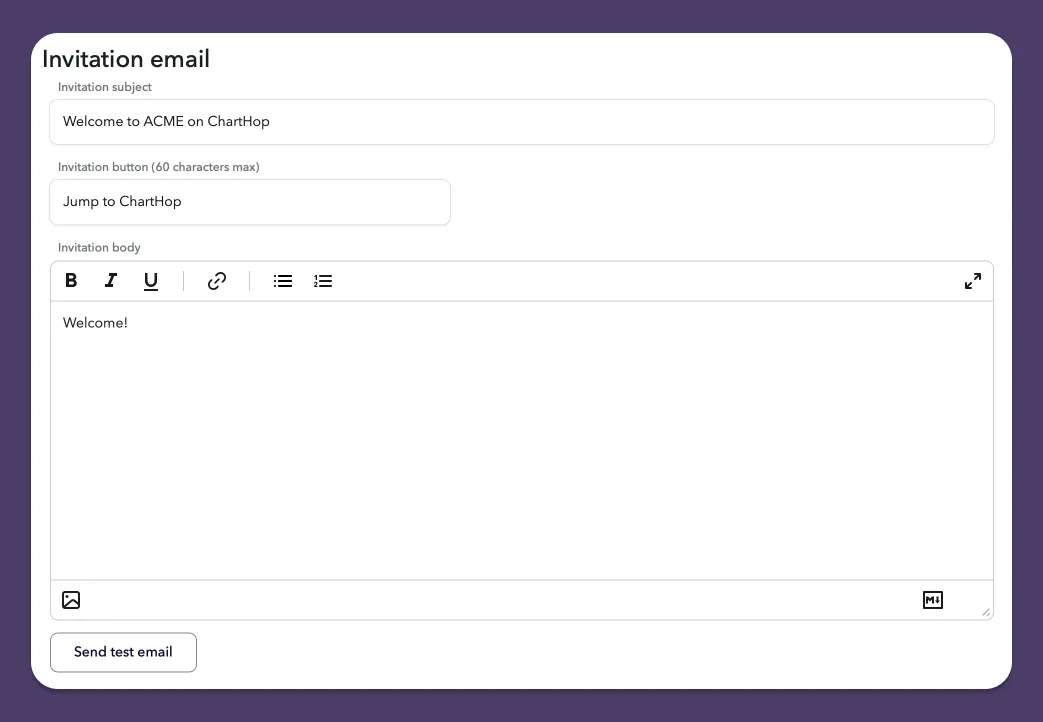
Create a custom welcome email
To customize the welcome email that invites users to access your ChartHop organization:
- From the left sidebar, select Access.
- From the sub-menu, select Settings.
- Scroll down to the Invitation email section.
- Create or edit your custom welcome email message using the Rich Text editor or using Markdown. You are able to use ChartHop fields for personalization using Carrot. such as "Hi, {{name.first}}".
- Select Save settings when you've completed your email template.
Send test email
Once you've created an email template, you can test how it looks by selecting Send test. Selecting the Send test button automatically sends a test email to your registered email address.