Use scenario outputs
1 min
Once you define your outputs, you need to add the dedicated Scenarios > Return output module. Its module fields are based on outputs setting.
Map the data you want to output from your to the Scenarios > Return output module fields.
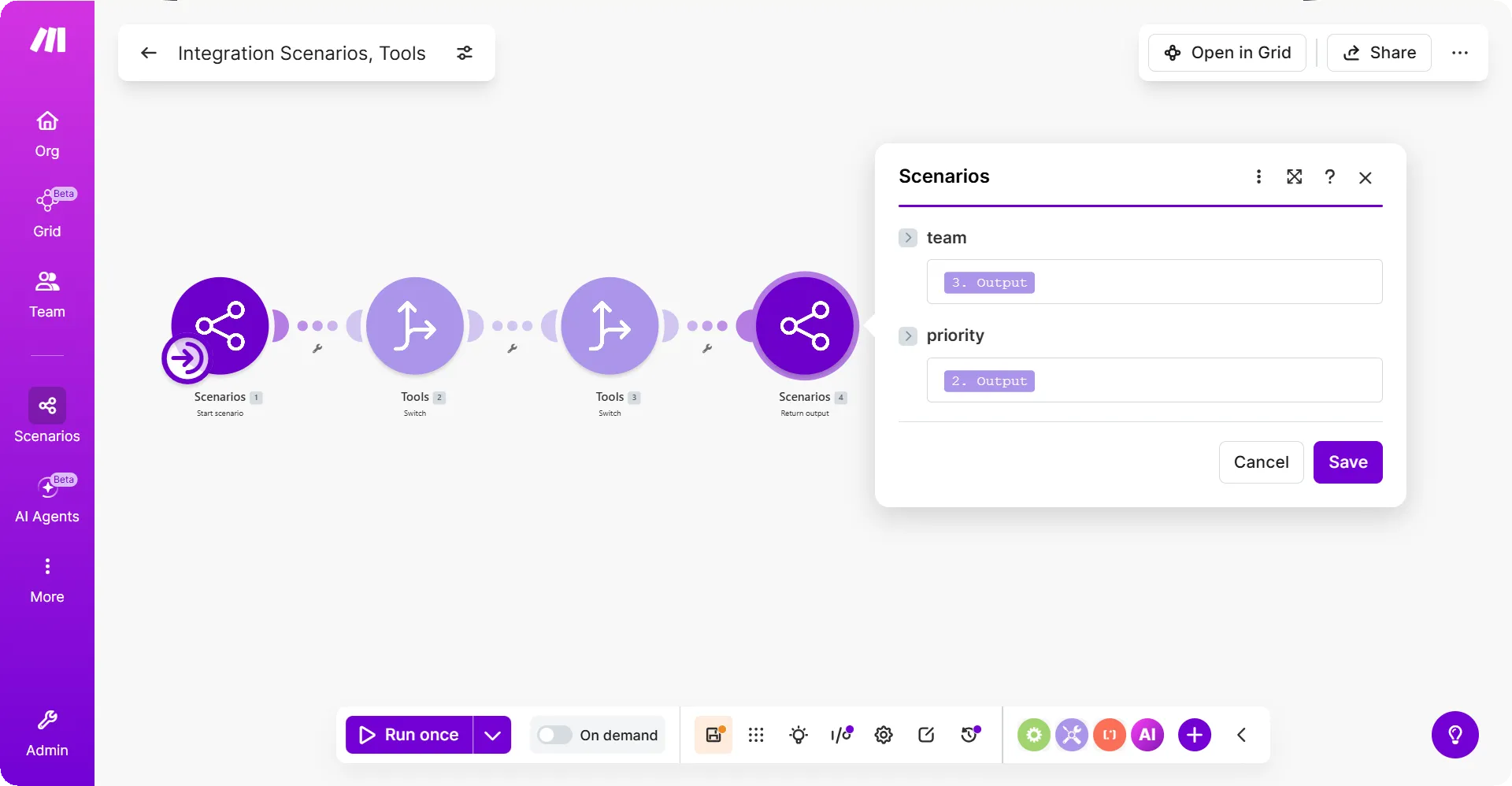
The Scenarios > Return output module always finishes the run. It works similarly as the return statement in programming. You cannot add any subsequent modules after the Scenarios > Return output module in the current route.
Keep in mind that when using routers, the Scenarios > Return output module in a route finishes the . The modules in the subsequent routes won't run.
outputs are available to the entity that triggered the :
- If the was triggered through the Scenarios > Call a scenario module, then outputs are a part of the module output bundles.
- If the was triggered through the Make API, then outputs are in the request response.