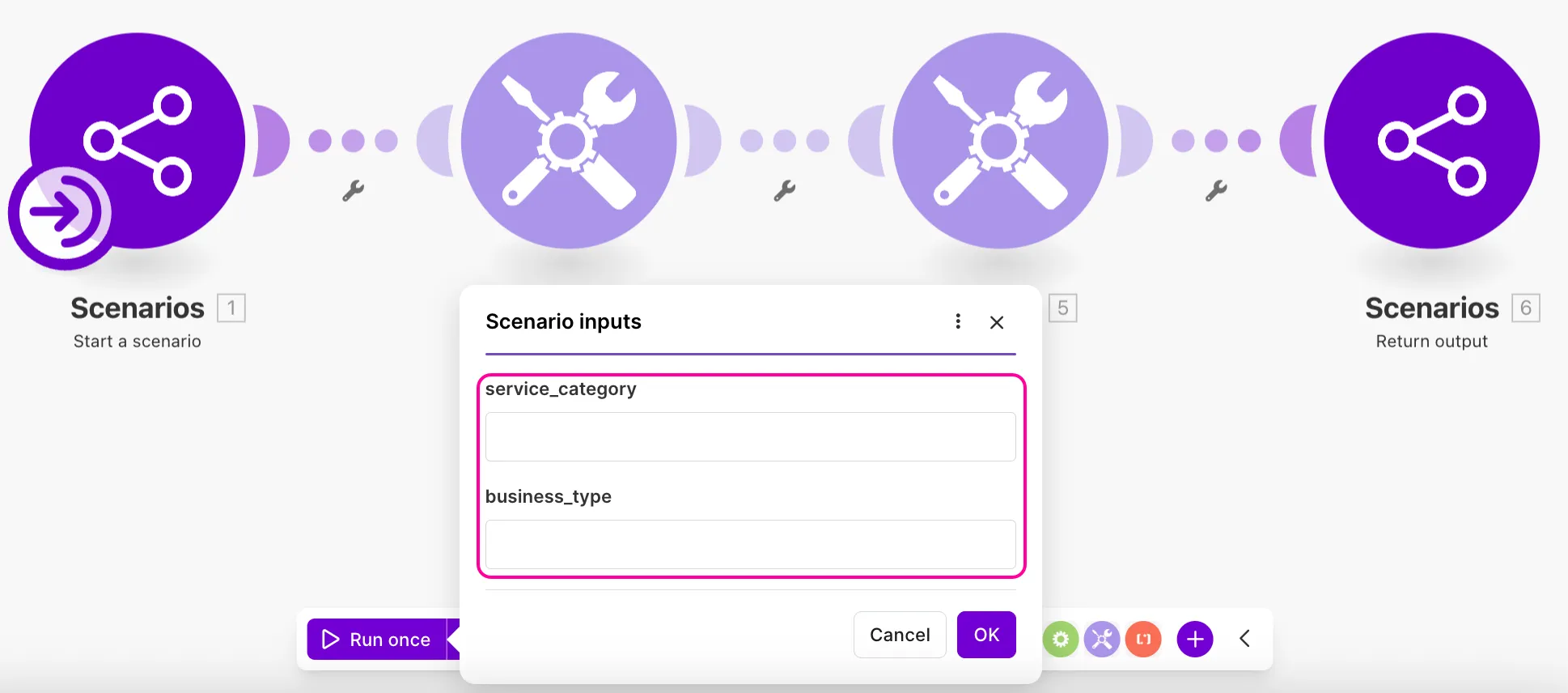
Use scenario inputs
1 min
You can use inputs in the following ways:
- You can provide the inputs manually when you want to run the . This is great for processes that you need to run on demand and that need human input and verification.
- You can send the inputs from another . In this case, you need to use the Scenarios > Call a scenario module to trigger the .
- You can add the inputs to the request body when triggering the with the Make API.
- You can define inputs and outputs to help Make AI Agents and MCP server tools understand what data to provide and return.
For combining subscenarios and inputs, use the Scenarios > Start scenario module as the trigger for the subscenario.
With defined inputs, every time you trigger a manually with the Run once button, the inputs window pops up. The can run only if you fill in all the required fields with the correct data types.