
Configuring Data Sheet Defaults
You customize several options about how your org chart appears and what people can do with it.
To configure the Org Chart Options, navigate to Admin > Configuration / Core Views. Only users with the built in roles of Owner and Technical owner have access to this page.
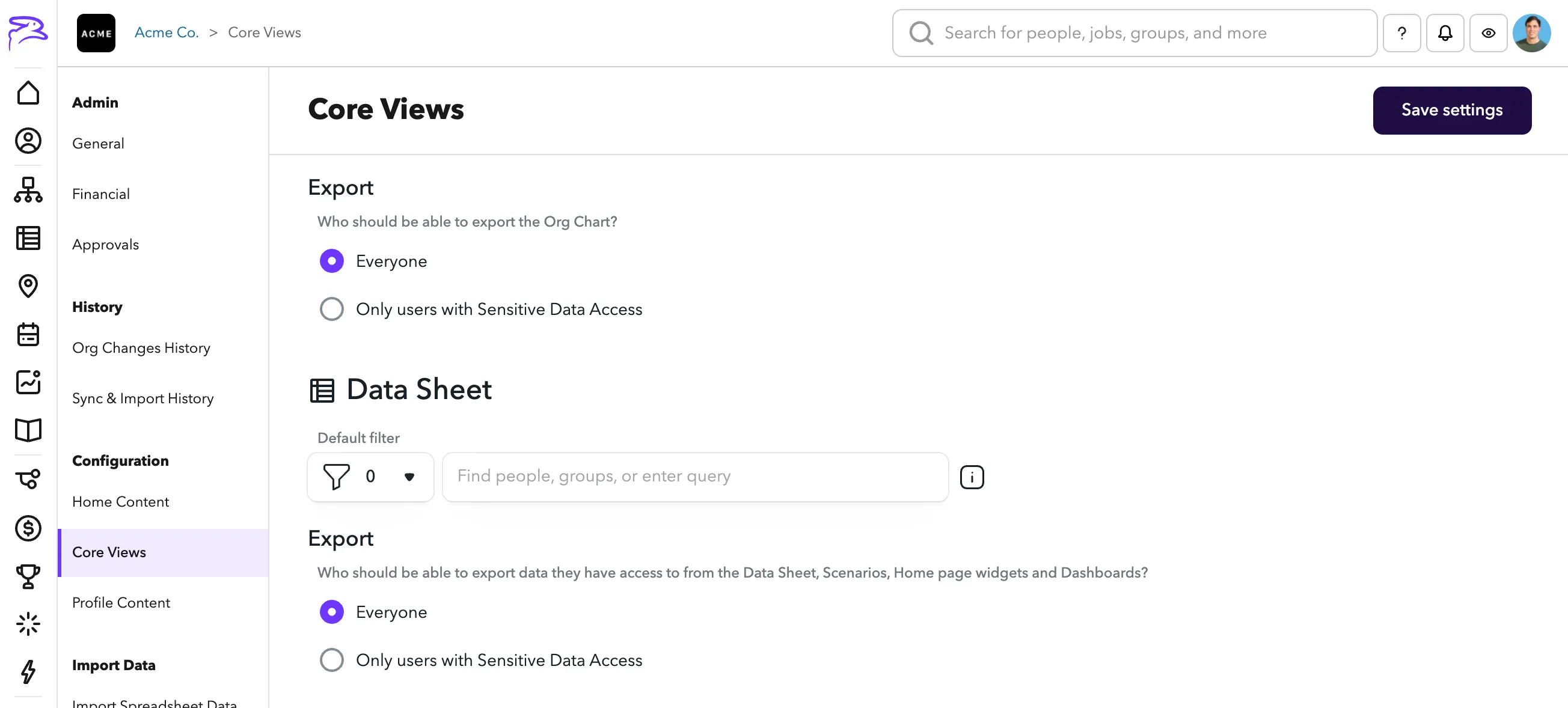
Default filter — Add a filter that displays for every person when they view the data sheet.
- Test the filter on the data sheet view then copy it into the setting.
- For example, you could add employment:full to only show full time employees.
Export
Who should be able to export the Data Sheet? — Control who has the ability to Exporting data from the Data Sheet. People will only ever be able to export data that they already have access to.