Remote Input Event
3 min

Overview
The Remote Input event triggers when the BrightSign player receives the specified input from an IR remote control.
In the Specify remote input field, enter the NEC remote control code that will trigger the event. BrightSign Author supports the following NEC remote control codes:
Using this Feature

Image 1
- Create an Advanced presentation
- Add a widget (Stream State in this example)
- Add a Remote Input event to your widget (see Image 1)
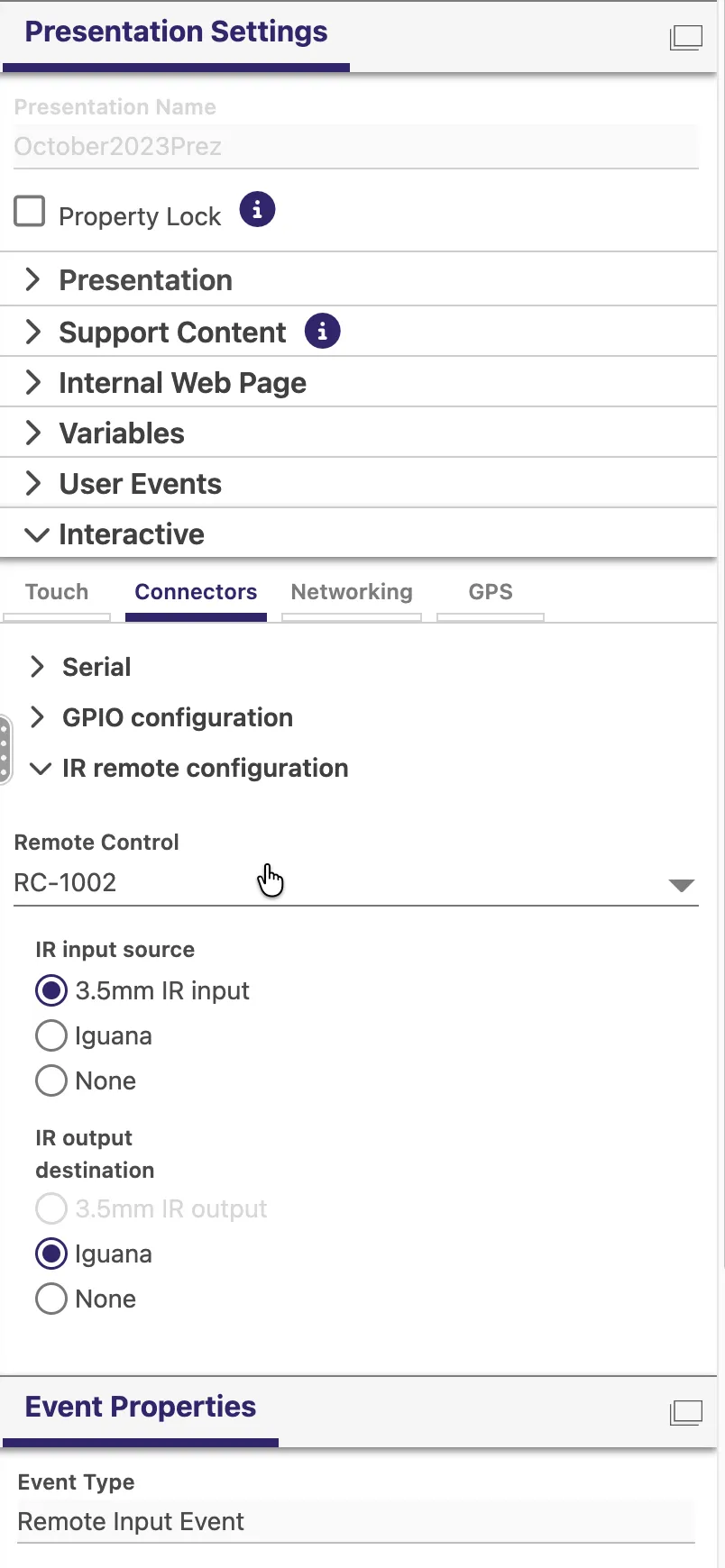
- Go to Presentation Settings > Interactive in the right pane (see Image 2).
- Select the remote control that you are using in the Connectors section (see Image 3)
- Add the commands that you want to occur when certain buttons are pressed.
- To add a custom remote, you can add a CSV that maps your button name to the correct code (for example, these codes) if you are using a custom remote. See Preferences.

Image 2