Add GitHub Plugins
1 min
BrightSign Author supports all plugins.
The BrightSign GitHub page offers a variety of BrightAuthor Plugins, which allow you to extend the standard functionality of BrightSign Author and BrightAuthor Classic. To add a plugin to BrightSign Author, you first need to retrieve it from GitHub. Follow these steps to download the .brs plugin file from GitHub.
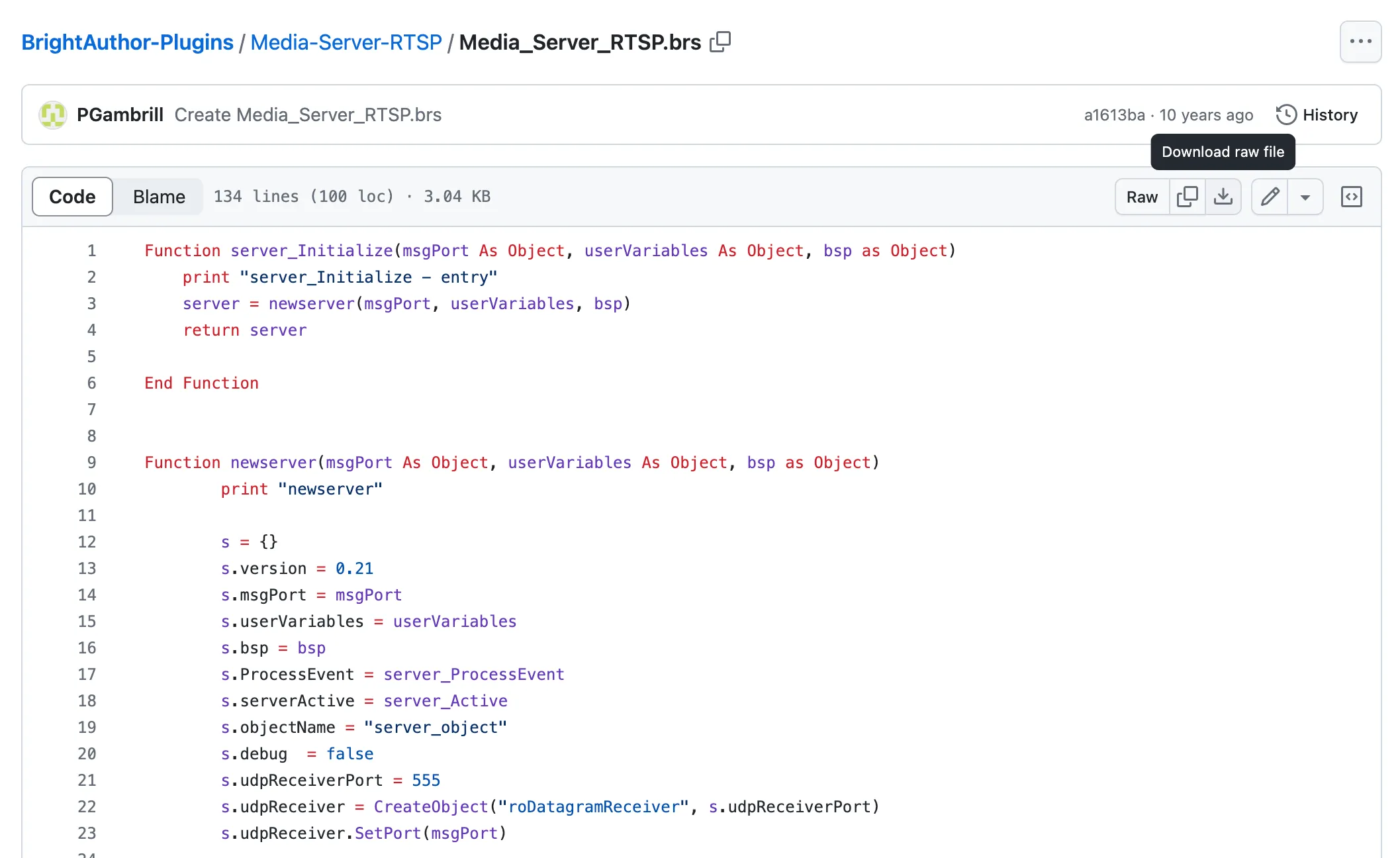
- Select the .brs file in the desired plugin directory (for example, the Media-Server directory contains the server-plugin.brs file).
- Select the download icon as shown in the image below. The plugin will be saved to your Download directory.
You can now add the plugin file to the BrightSign Cloud in BrightSign Author via Content > New Component > Upload Script.
Go to Presentation Settings > Support Content > Script Plugin to add the plugin directly to a presentation.