
Manual invitations
You can manually send invitations to users to make them members of your org. When you invite a user to ChartHop, they receive an email that allows them to set their password (if applicaple) and access ChartHop.
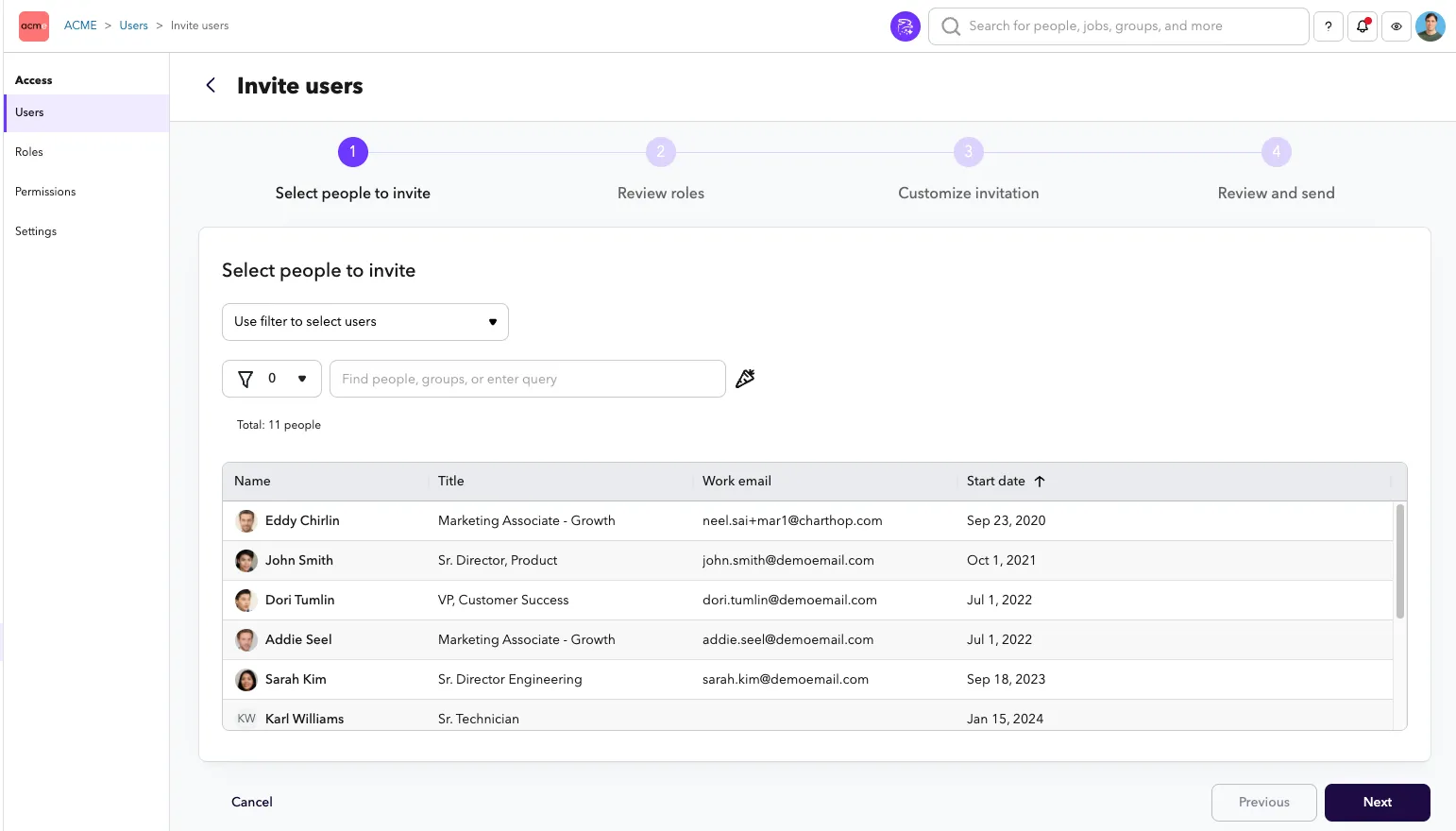
To send an invitation to a user:
- From the left sidebar, select Access.
- From the sub-menu, select Users if not already preselected
- From the Users page, select the primary button in the top right corner: "Invite org members" to launch the invitre or members flow
- Select people to invite is the first step and will show all current employees in your org who have not yet been invited to ChartHop. Use a filter or individually select the people who you would like to inite to ChartHop.
- Terminated and preboarding employees will not be shown here. Preboarding employees can be invited from the Onboarding page.
- Review roles will show you all of the roles that will be assigned to each user and their email address. It allows you to make edits to the assigned roles.
- Emails are required for every user.
- Customize invitation allows you to make a one-off modification to the invitation template set in Customizing invitations.
- Toggle Send notification using "Do not send a message" if you don't want to send an email out to everyone at the time of invitation
- Review and Send gives you a preview of what you are about to send.
- Click Send invitations to invite the users.