Find a Player's IP Address
BrightSign Author
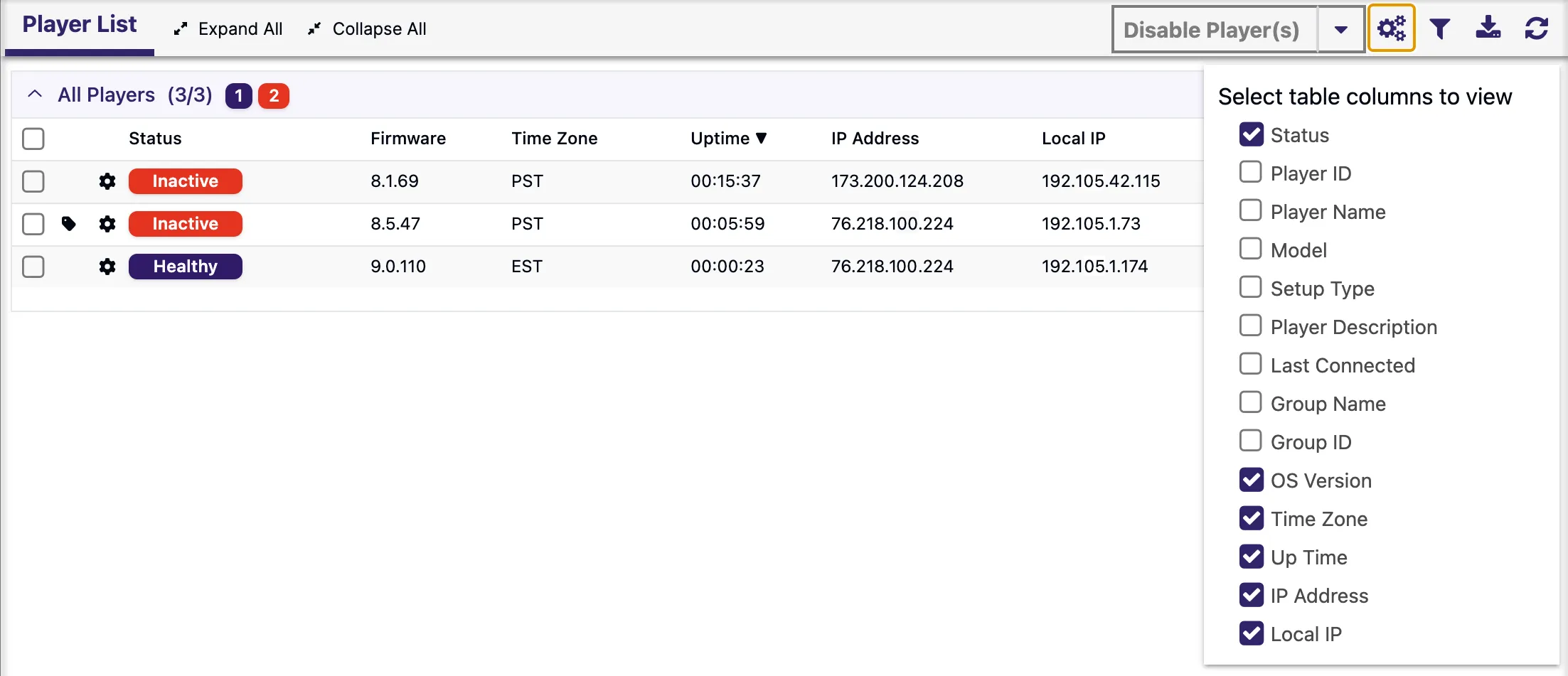
The Network tab in BrightSign Author can display various player info including the player's IP address (both its Local IP address as well as its External IP address). Either configure the table columns to display the IP address (shown below) or click on the player's Settings icon (the gear icon) to access the player's Remote DWS where the IP address can also be found.
Display / Screen
If you power up the player without a storage device (e.g., a microSD card), the IP address should appear on the connected display after a few moments.
Router
If you have access to the network router, you can log in and see which IP address is assigned to the entry with the player's MAC address. The MAC address of the player is located on the bottom of the player; it is also displayed when you power up the unit without a storage device.