Manage Users
4 min
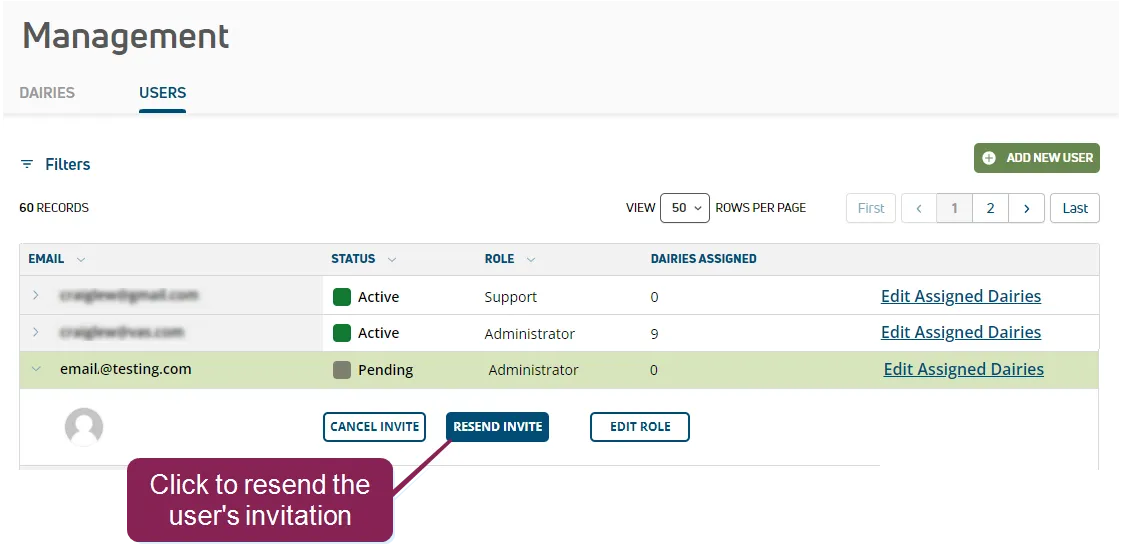
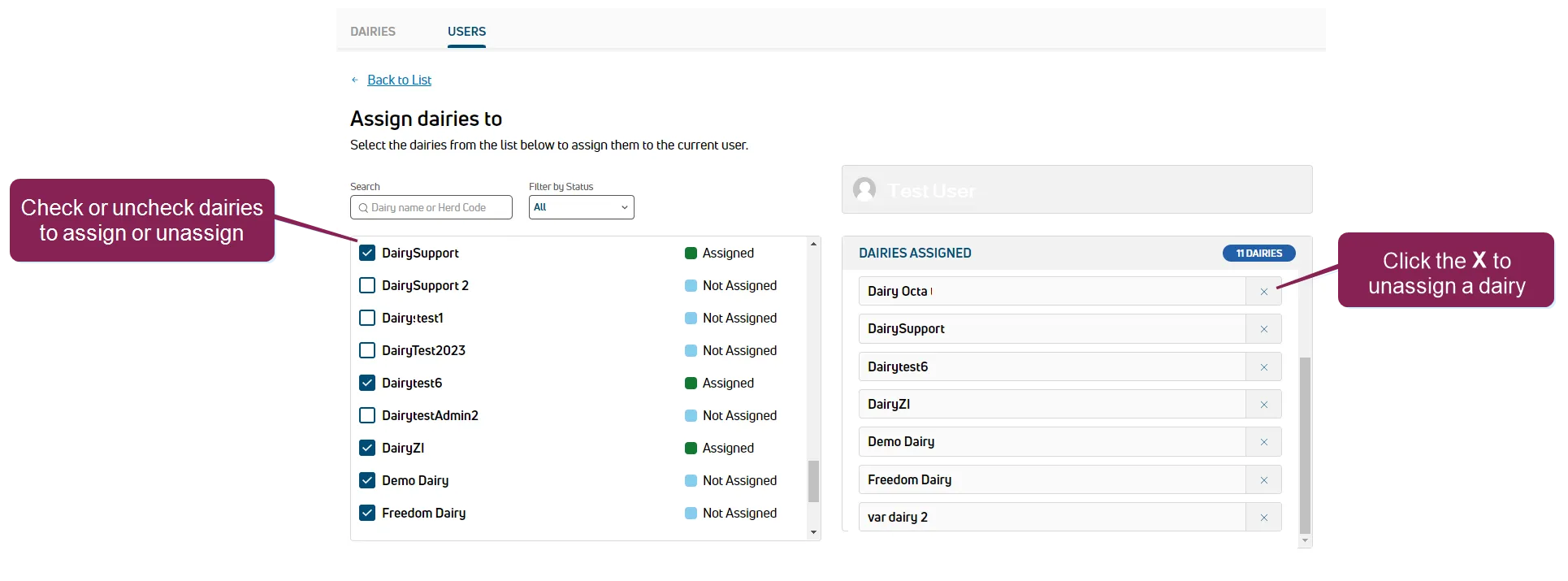
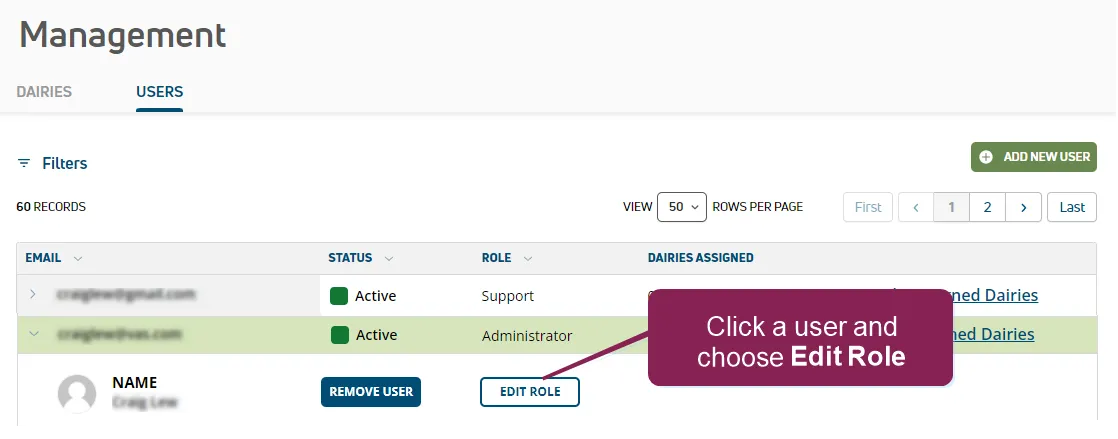
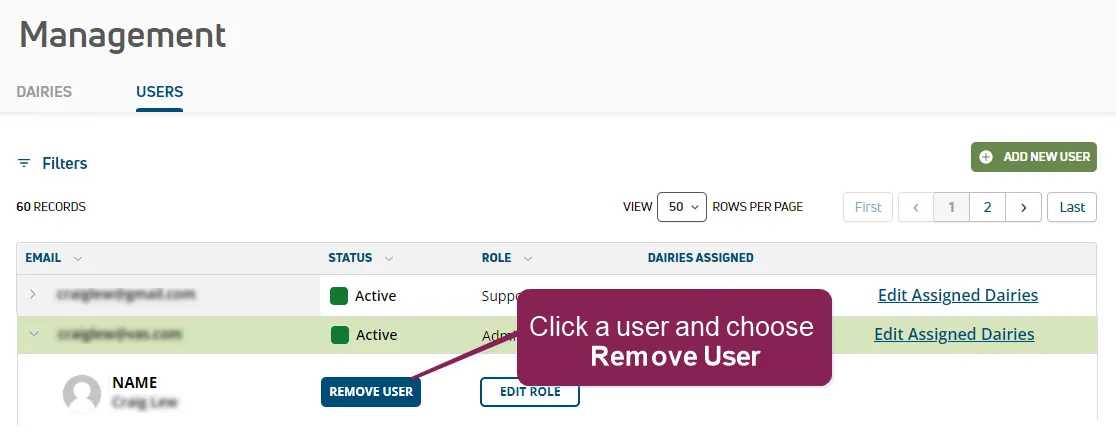
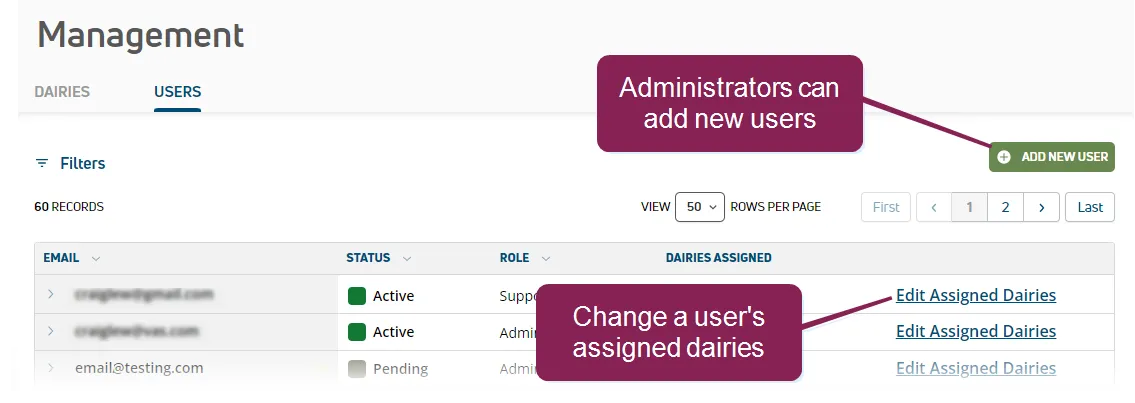
The Users page allows you to add and remove users, as well as adjust a user's assigned dairies.
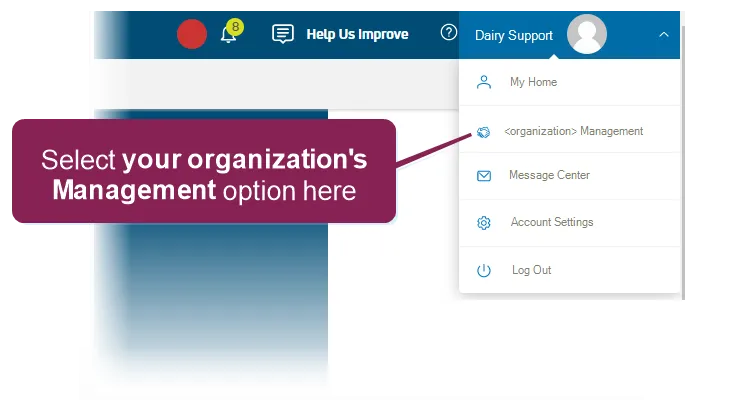
To access the Dairy Support Management Tool, log into PULSE and select your organization's Management option from your user menu at the top right of the page.
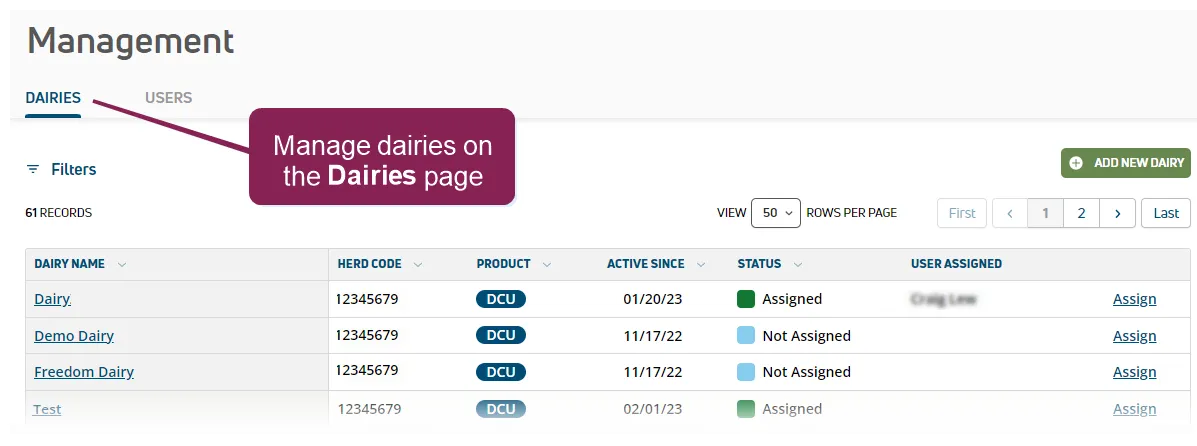
Then use the Dairies tab to manage your dairies.
The Dairy Support Management Tool supports two unique roles: Administrator and Support. The main distinction between the roles is that an administrator can add new users and remove them:
Permissions | Administrator | Support |
|---|---|---|
Dairy Support Management Tool access |  |  |
Add new dairies | | |
Add new users & remove users | |
|
Assign users to dairies | | |
Expand the sections below to learn more: