Enabling Bank Feeds (Intacct)
Bank Feeds allow for your settled bank transactions to automatically flow into Intacct for reconciliation, removing the need to export and import bank statements manually. To enable Bank Feeds, follow the instructions below.
Step 2: Activate Bank Feeds
Under the Banking Cloud tab, click Connect.
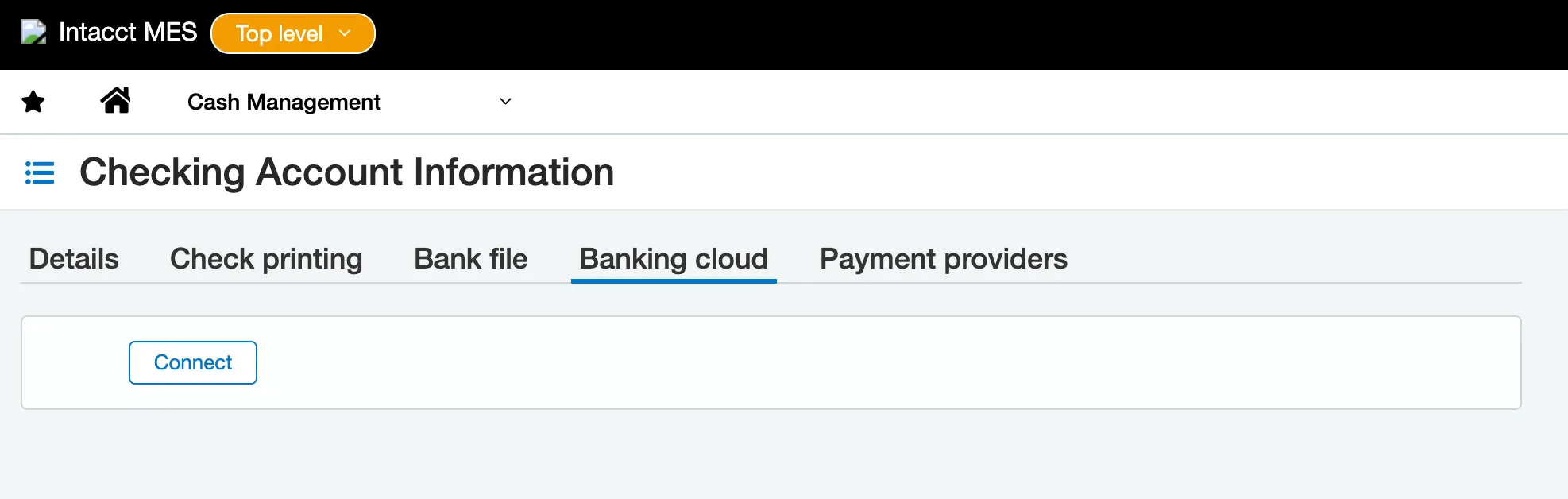
Connect Banking Cloud
In the search bar, search "J.P. Morgan" or select JP Morgan Access – Powered by FISPAN from the list of banks already displayed.
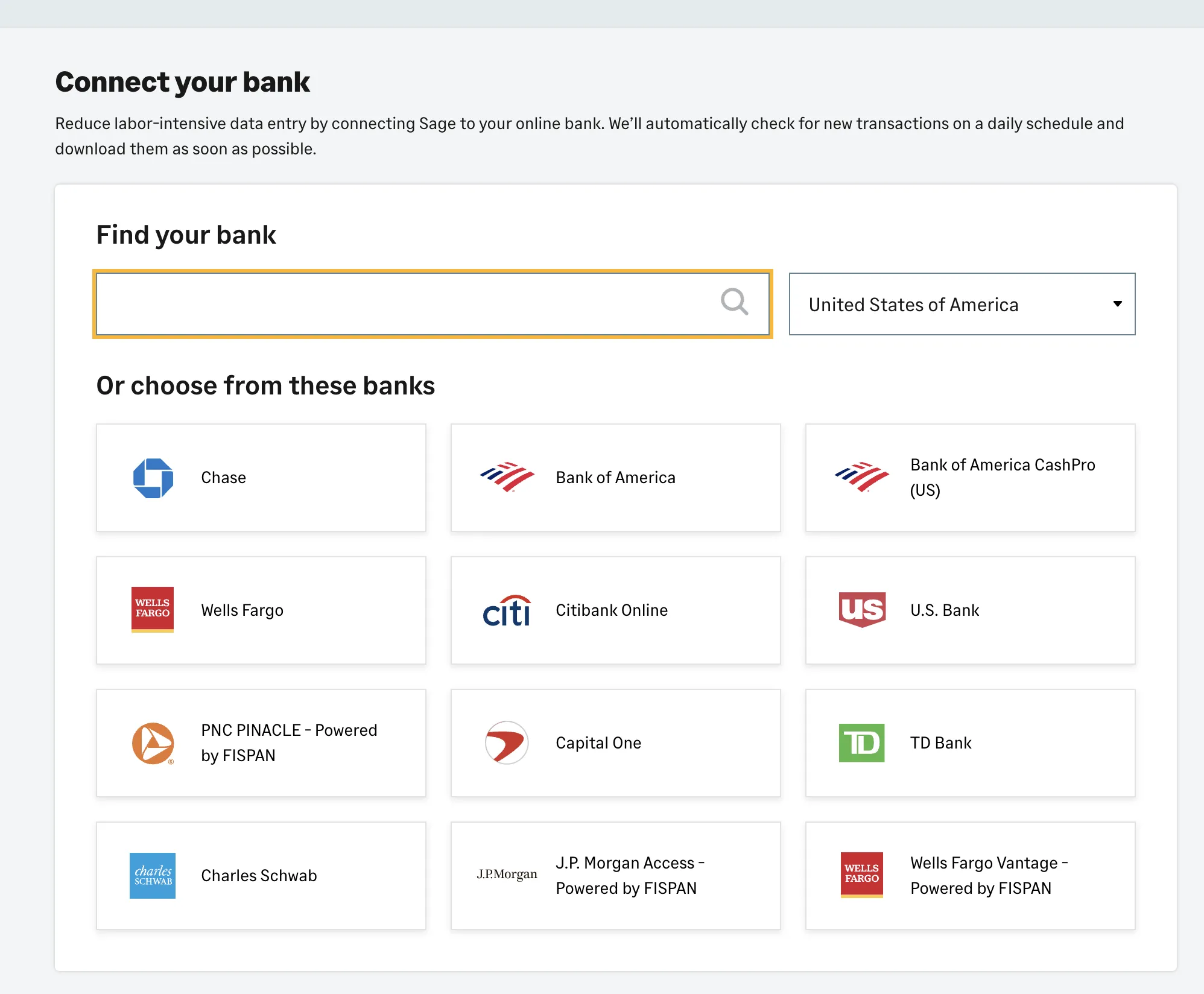
Search for J.P. Morgan
Agree to the terms and conditions and select Continue.
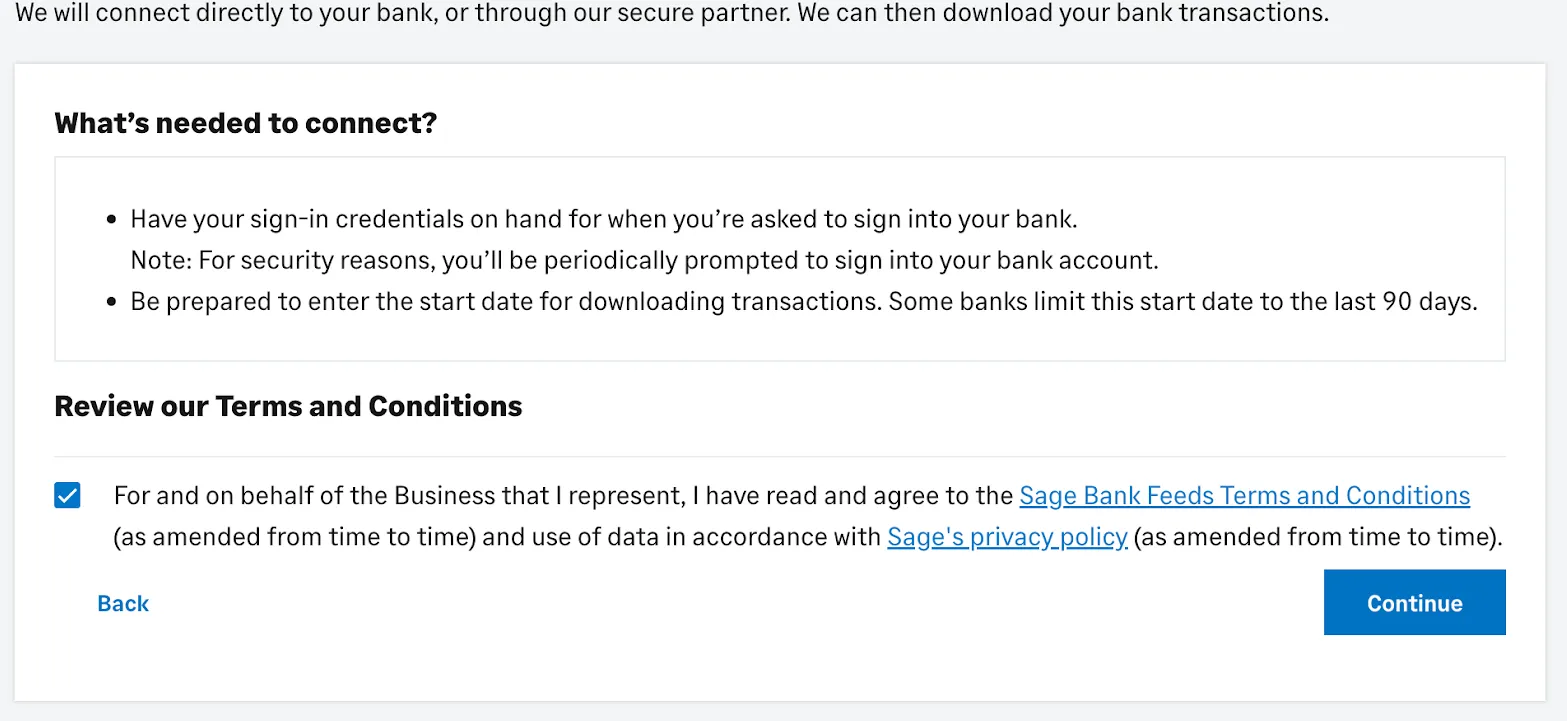
Agree to Conditions
You will be redirected to a landing page that will require you to sign in to the FISPAN Wizard.
Select Login Now.
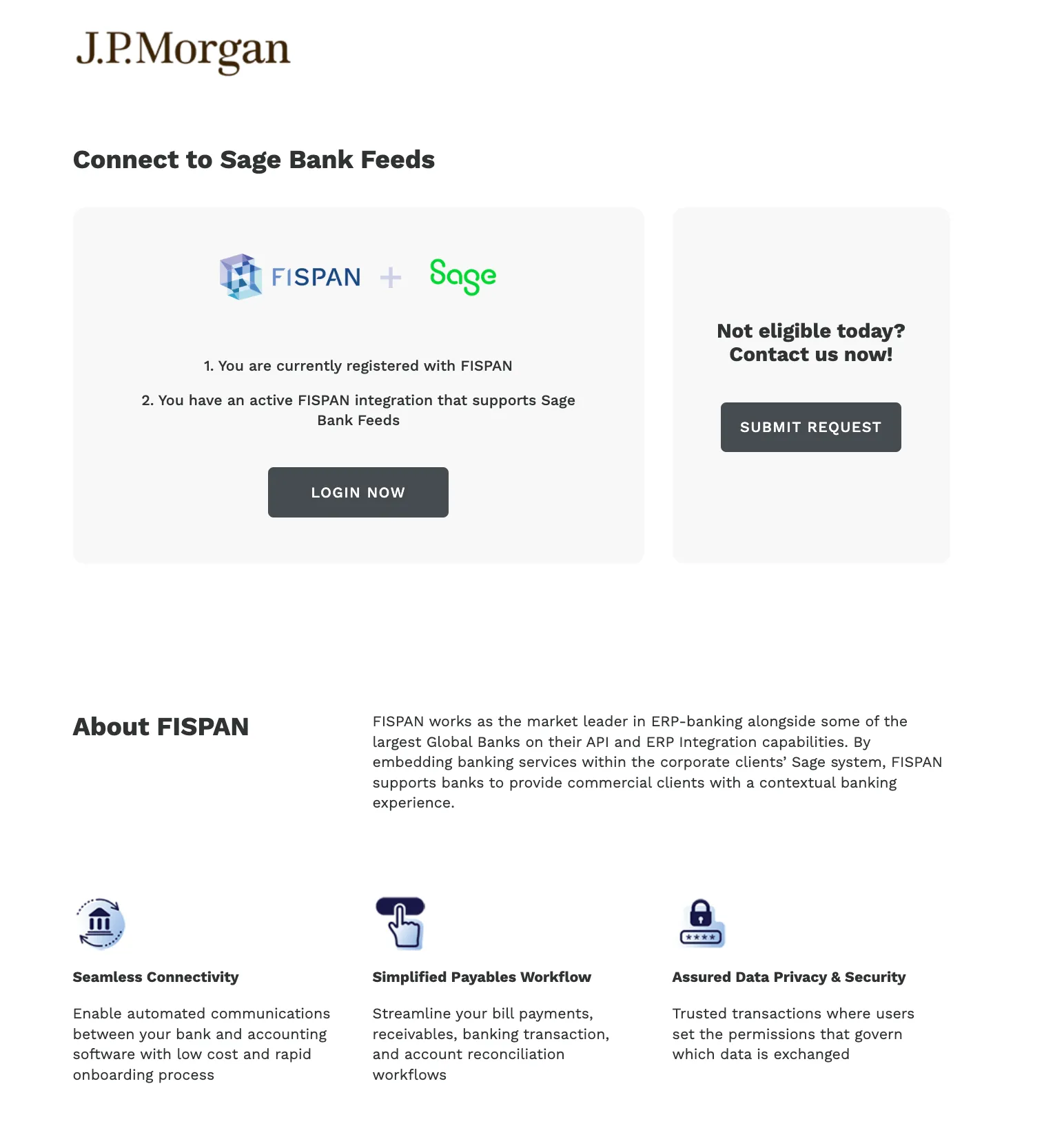
Login now