Enabling Bank Feeds (Business Central)
Set Up Bank Account Import Format
Navigate to Cash Management → Bank Accounts.
Open the desired Bank Account card.
Navigate to the Transfer tab.
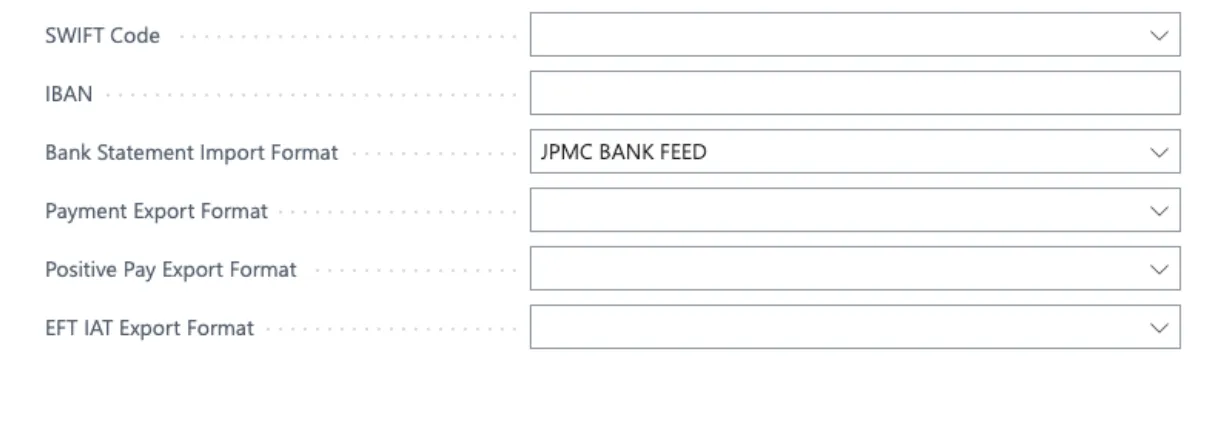
In the Bank Statement Import Format field, select JPMC Bank Feed from the list.
Select JPMC Bank Feed
You must repeat this step for every bank account you wish to connect. Once complete, you are ready to import bank statements directly into the reconciliation modules.