Registration Code
2 min
IMPORTANT
This method configures a single player with the Default Setup File.
Once provisioned, changing to another Setup File requires that the player be reprovisioned.
If you do not want the player to be configured with the Default Setup File, do not use this method. Follow these instructions instead:
- Provision a single player with a specific Setup File
- Provision multiple players with a specific Setup File
Registration Screen
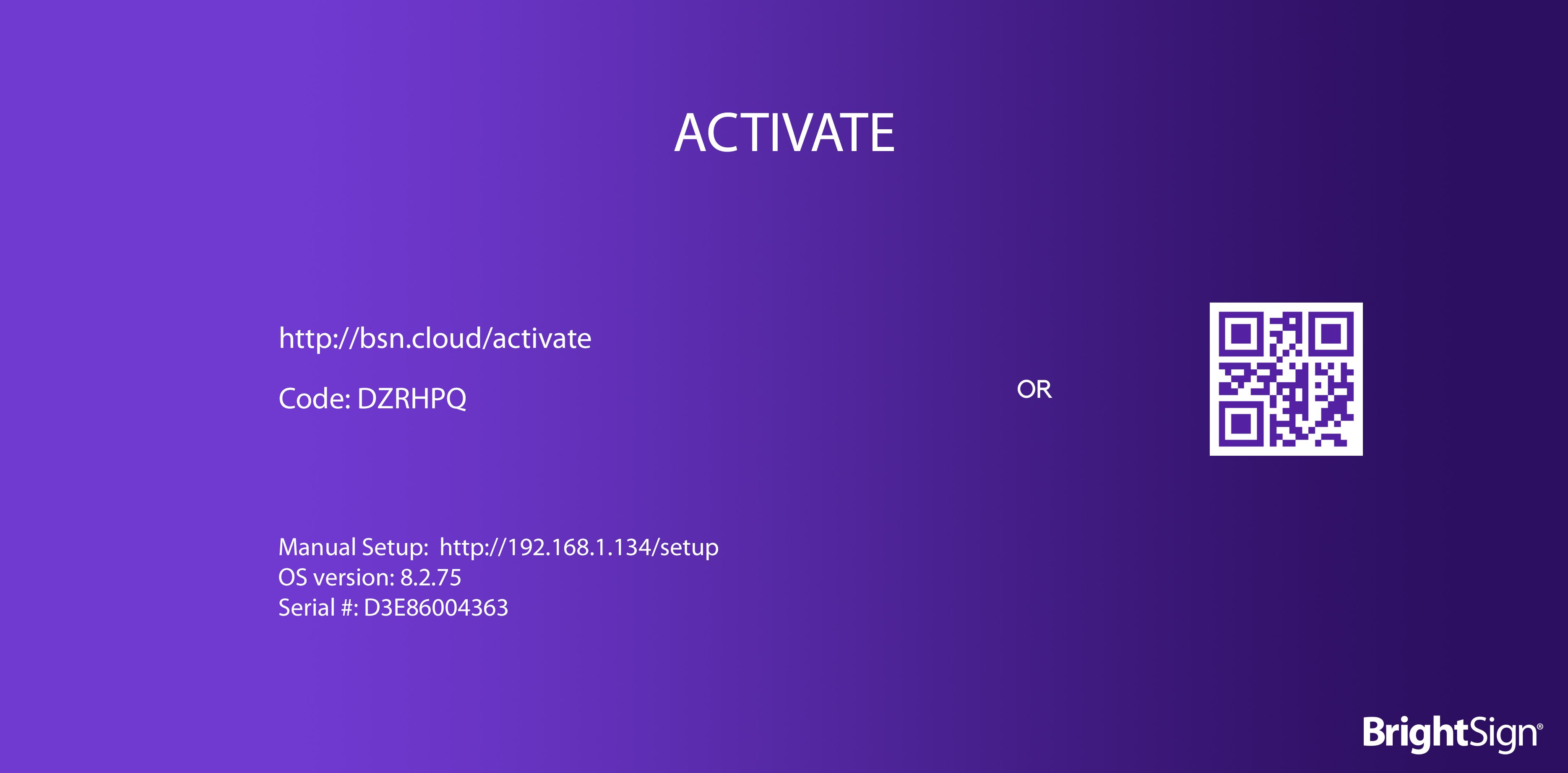
When a non-provisioned player boots up for the first time, it will display a Registration Code:
Enter Registration Code
From BrightSign Control, go to: Player Setup / Registration
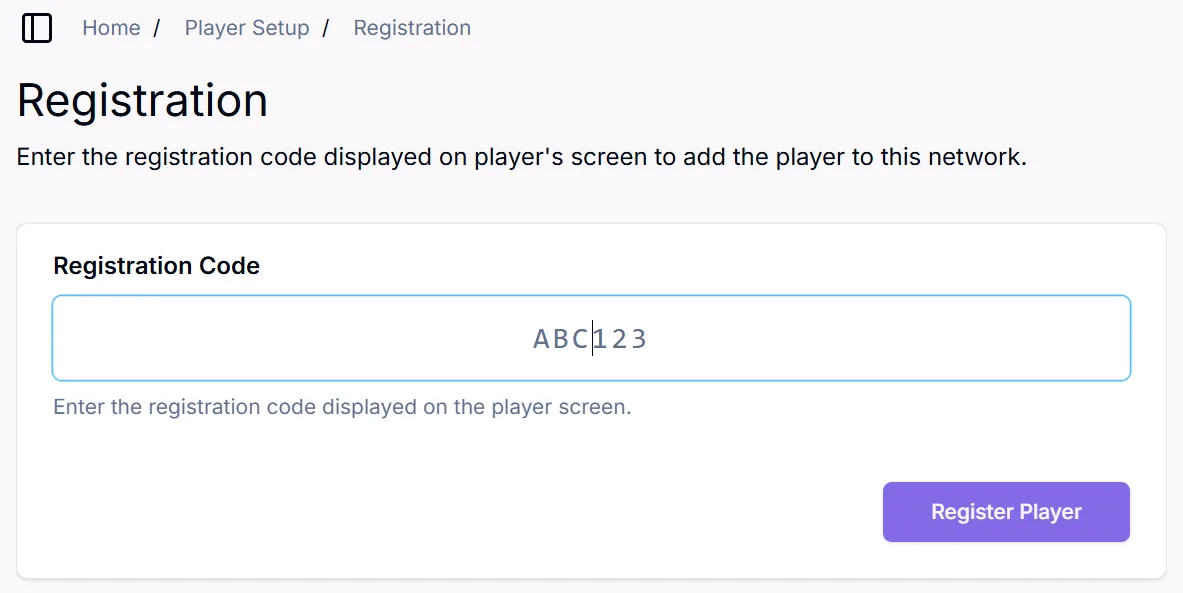
Enter the player's registration code and click "Register Player". The player will now be provisioned - it will be registered and have the Default Setup File applied.